


We first noticed a case of sudden death in an iPad7 in early 2021. The way the device consumed electrical current suggested that the power system was working, but its brain--the CPU--was not. However, the devices was in pristine condition. The screen and housing were flawless, how could the CPU be dead?
All the iPad would do is show an Apple logo, then go dark, and repeat. Because this is the same way a device with software corruption will present, our first step was to try an iTunes update, or restore. The iPad 7 would fail iTunes update with a general error 4013. iTunes Error 4013 means “I don’t feel good, something is wrong” It gave us little to go on.
We opened the iPad. There was no water damage or any physical signs of problems. The logic board could not boot even in a known good housing with a good battery. It was inexplicably brain dead. The CPU could not function and we didn’t know why.
Time went by and another iPad 7 showed up with the same symptoms. Apple logo boot loop, error 4013. This time we found a clue. The tristar tester tool revealed that the charge port had been damaged, as well as a usb permission chip on the logic board. However, even after fixing those problems, the CPU still would not function.
On this iPad, data was important. Like many talented artists, the owner of this iPad used the Procreate app and would have lost much of her life’s work if we could not recover the data on the iPad by getting it to boot.
In desperation, we tried transferring the CPU and NAND to a receiver board. We doubted it would change things--if the CPU was dead it would have been electrically killed. Without any physical damage there was no way the CPU was simply “detached” Surprisingly, the iPad booted up after the extensive CPU transplant surgery. All of the data was recovered.
Since then, we’ve seen this case many times. Using aftermarket chargers will sometimes affect the CPU itself, beyond the typical damage that we often see to the charger-facing circuitry. When this happens, the CPU can not function and will cause the device to show Apple logo boot loop and fail iTunes update with error 4013.
We no longer need to transfer the CPU to our known good receiver board, we have learned that removing the delicate CPU, cleaning the hard electrical superglue “underfill” from both the chip and board, then resoldering new conductive balls to the chip and attaching it back in its original position will bring these iPad 7’s back to life.
While this seems to be a unique susceptibility of the iPad 7 A10 CPU and the associated iPad charging system, we wondered if this same fault could occur in other devices. The closest match is the iPhone 7 which also uses the same A10 CPU as the iPad 7. We found a perplexing case of iPhone 7 Apple logo boot loop, with error 4013 on update. Sure enough, removing the CPU and reinstalling it brought the iPhone 7 back to life. We were able to recover all the data.
We do not know yet whether other devices beyond iPad 7 and iPhone 7/7+ with error 4013 and apple logo boot loop will also be solved by CPU transfer service, but we are excited to find out.
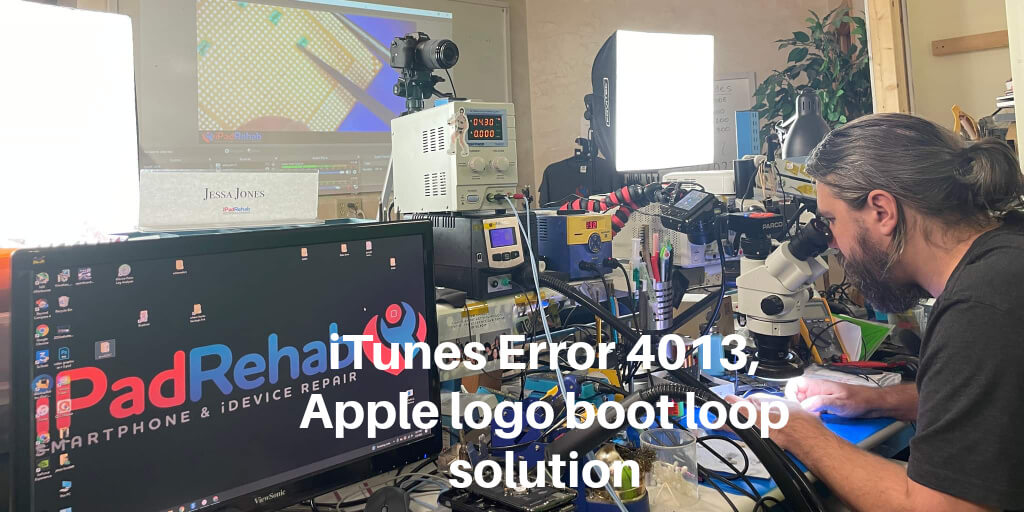
You can watch how we do this surgery on our iPad 7 CPU reballing video here. With years of experience microsoldering copper wires smaller than human hairs, Mark makes iPhone brain surgery look easy. However, only a handful of craftsmen in the US have developed the highly specialized skill of iPad and iPhone CPU rework.

Do you need data from a broken device that won’t boot all the way? Do you have iTunes update error 4013 or repeating Apple logo fading to a dark screen? Click the Get Started button at the top of this page for a free no-obligation quote. No data, no fee.